Exporting Address Codes
You can export the Address List to a csv file to serve as the template for importing formatted records.
To export address codes to a text file:
-
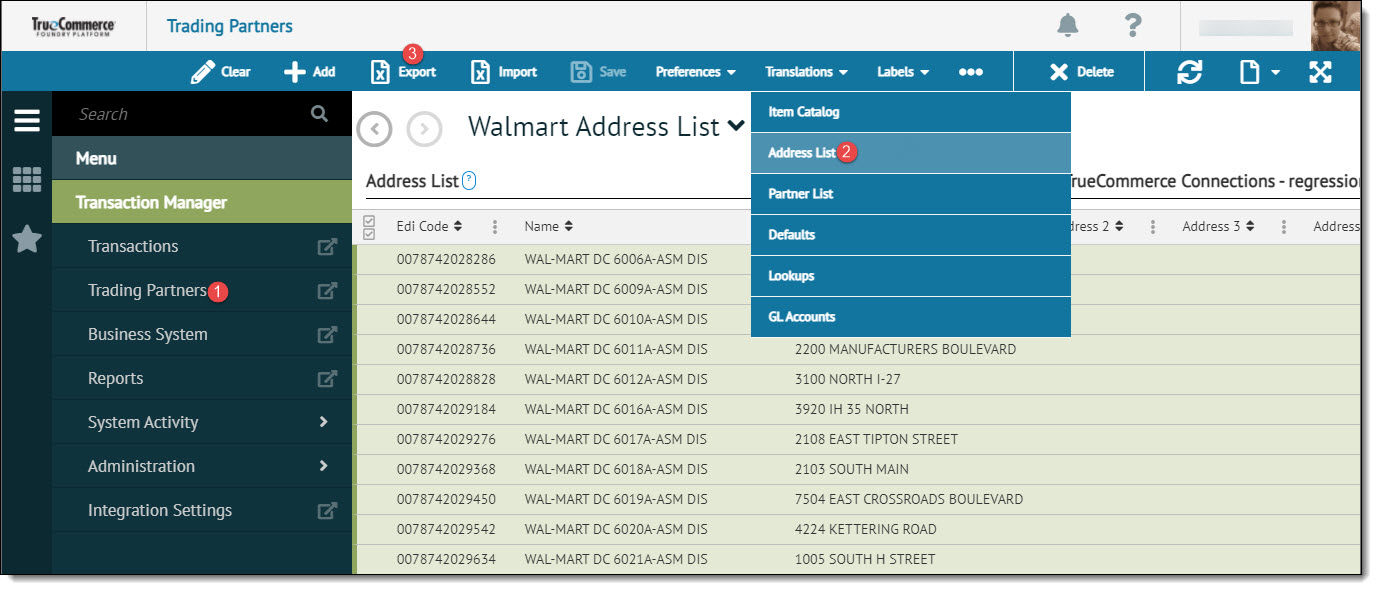
Select a trading partner for editing.
-
Select Translations on the action bar and then select Address List from the dropdown options. The Address List displays in the Trading Partners workspace.
-
Select one or more rows (records) to be exported and then click Export on the action bar. Note that data selection methods are outlined under 'Working with Grids' in the Platform User Guide.
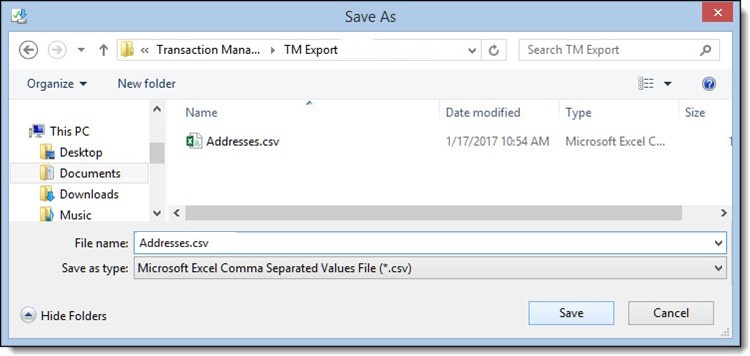
This invokes your browser’s Save As dialog.
-
Enter a file name and save it to a location of your choosing. The file downloads to the selected (or default) location.
Related Topics