Overriding Item Translation
In cases where you and your trading partner use the same item identifiers that are in your business system, the Item Catalog can be set up to allow the same item identifier be passed to and from your business system.
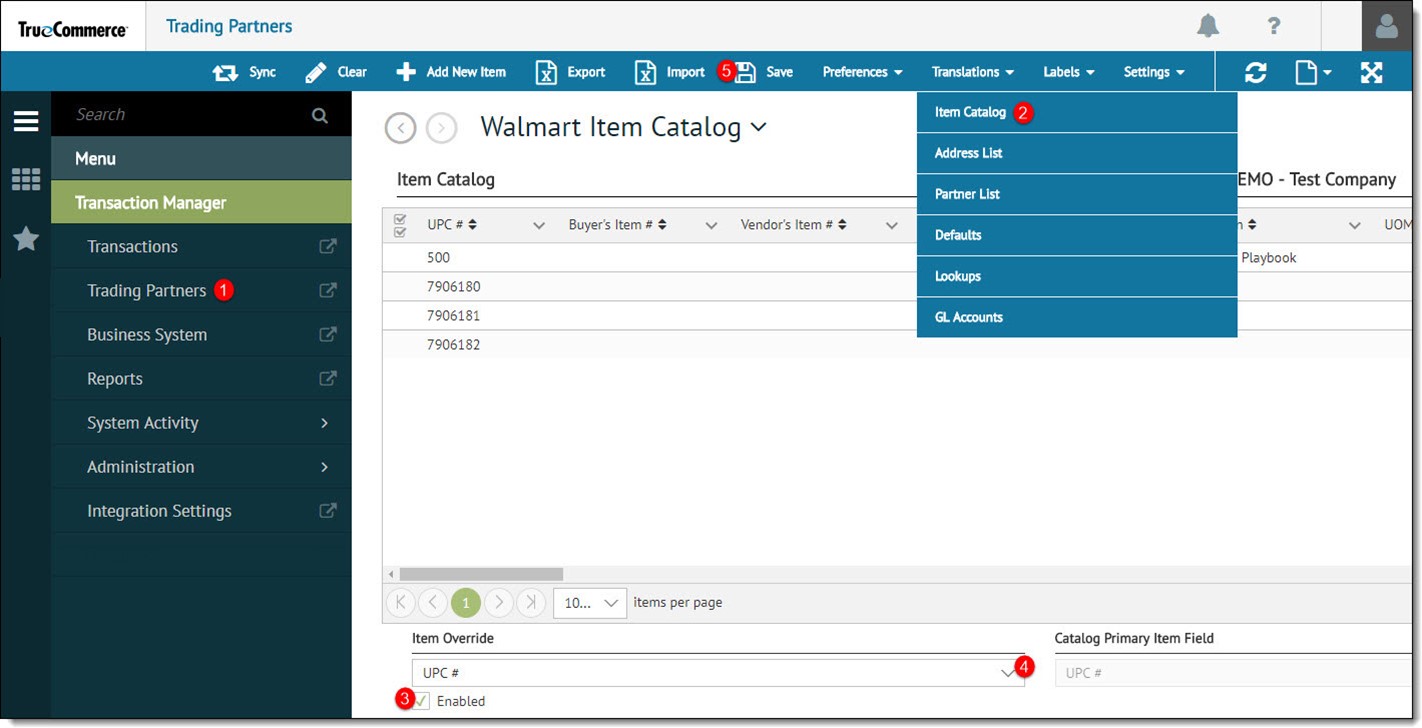
To select item override:
-
Select a trading partner for editing.
-
Select Translations on the action bar and then select Item Catalog from the dropdown options. The Item Catalog displays in the Trading Partners workspace.
-
Select the Enabled checkbox to enable Item Override dropdown box.
-
Select a field from the dropdown options.
-
Select Save on the action bar to save your changes.
Related Topics